Understanding Website Speed
Website speed is a critical factor in the online environment, encompassing the time it takes for a web page to load fully. This aspect of web performance plays a significant role in user experience, affecting how visitors interact with a site. As users increasingly expect instantaneous access to information, loading times need to be minimal. Research indicates that a delay of even a few seconds can lead to a noticeable increase in bounce rates, whereby users leave a site if it does not load quickly enough.
Moreover, website speed is also closely related to search engine optimization (SEO). Search engines, such as Google, consider loading times as one of the key ranking factors. Sites that perform well in speed tests are likely to enjoy higher visibility in search results, effectively attracting more organic traffic. Conversely, poor website speed can hinder a site’s search engine ranking, limiting its reach and reducing potential customer engagement.
There are several factors that contribute to website speed, all of which site owners should consider to ensure optimal performance. Server response time is one critical aspect, as the time taken by the server to process requests can significantly impact loading times. Additionally, the size and format of images on a web page can either enhance or impede speed, making it crucial to optimize graphics for quick loading. Furthermore, the execution time of scripts, which are essential for website functionality, also affects performance. Excessive or poorly coded plugins can introduce delays, complicating the loading process. Addressing these factors is vital for optimizing website speed and enhancing overall user satisfaction.
Common Reasons for Slow Website Speed
Website speed is a crucial factor in user experience and search engine rankings. Several issues can contribute to poor website performance, leading to increased loading times and frustrated visitors. Understanding these common reasons can help website owners diagnose and rectify the problems affecting their site.
One significant factor is the presence of large image files. High-resolution images, while visually appealing, can drastically hinder website speed. Optimizing images by compressing them without sacrificing quality ensures that they load quickly, thereby improving overall performance. For instance, using formats such as JPEG for photographs and PNG for graphics can help decrease file sizes.
Another prevalent issue is the excessive use of JavaScript, which can slow down a website if not managed correctly. While JavaScript is essential for creating interactive elements, it can lead to longer loading times if too many scripts are loaded or if they are not minified. Prioritizing critical scripts and deferring non-essential ones can help enhance website speed.
Unoptimized code is also a considerable contributor to slow websites. Code that is cluttered or contains unnecessary elements can make a site less efficient. Conducting regular audits of the codebase to streamline and optimize can significantly improve loading times. Utilizing CSS and JavaScript minification tools can aid in reducing the file size, positively impacting performance.
Additionally, the choice of hosting service plays a critical role in website speed. Shared hosting, while cost-effective, may lead to slow loading times as resources are often limited. Considering a dedicated or virtual private server (VPS) can provide enhanced performance and speed. Finally, the use of third-party resources, such as widgets and ads, can further delay load times. Evaluating the necessity of these resources and ensuring they are loaded asynchronously can mitigate their impact on website performance.
Proven Strategies to Improve Website Speed
In the digital landscape, website speed is a critical factor influencing user experience and search engine rankings. Here are several proven strategies to enhance your website’s performance effectively.
Firstly, optimizing images plays a crucial role in website speed improvement. Large image files can significantly hinder loading times. By compressing images without compromising quality and using the appropriate file formats (such as JPEG for photographs and PNG for graphics with transparency), you can reduce their size and enhance loading speed. Additionally, making use of responsive images ensures they are scaled appropriately for different devices.
Secondly, leveraging browser caching can yield significant benefits. By storing frequently accessed resources on a user’s device, you can minimize the amount of data that needs to be retrieved upon subsequent visits. Implementing caching strategies, such as defining expiration dates or using cache-control headers, can streamline this process and effectively improve load times.
Moreover, minimizing HTTP requests is another key strategy. Each element of a webpage, from stylesheets to scripts, requires a separate HTTP request. Reducing the number of elements, consolidating CSS and JavaScript files, and using image sprites can streamline these requests, thereby enhancing your website speed.
Utilizing a Content Delivery Network (CDN) is also a valuable approach. A CDN distributes your website’s content across various servers worldwide, allowing users to download data from the server closest to them. This geographical proximity decreases latency and further improves loading times.
Finally, good server response time is essential for website speed optimization. Choosing a reliable hosting provider and evaluating server performance will ensure your website responds promptly to requests. Regular monitoring and maintenance can assist in keeping your server’s health in check, aiding in overall website performance.
Monitoring and Maintaining Website Speed
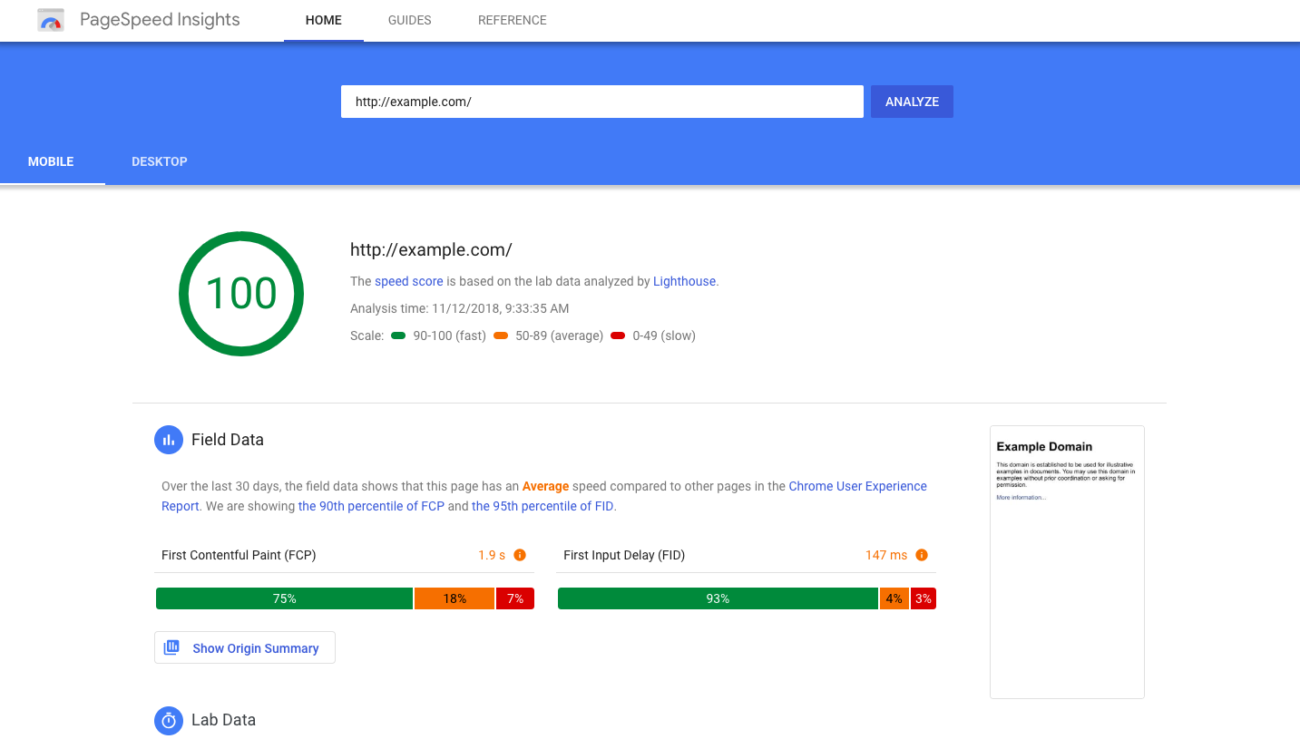
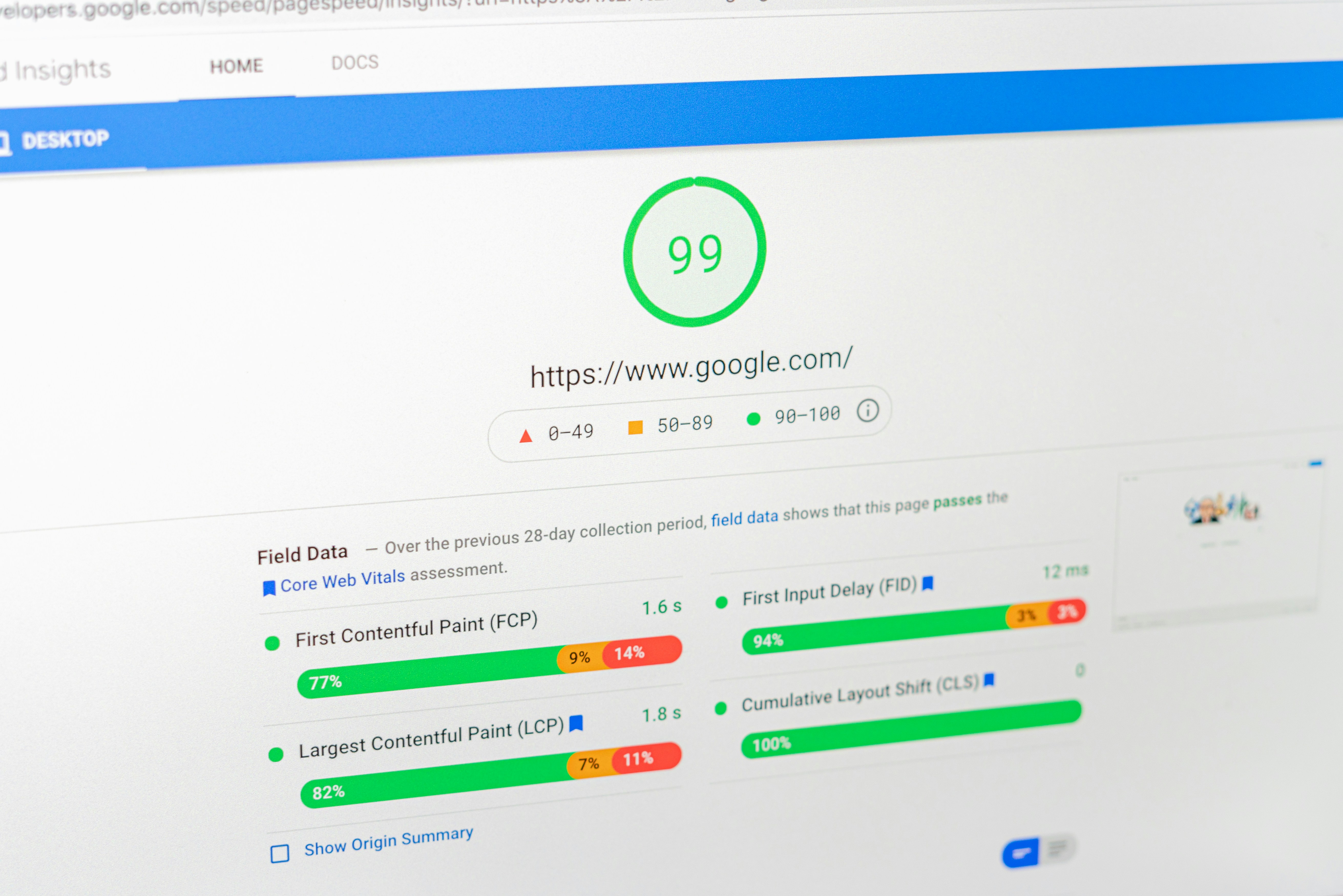
Monitoring website speed is an essential practice that website owners must prioritize to ensure an optimal user experience. Utilizing various tools allows for a comprehensive understanding of site performance, enabling businesses to identify bottlenecks and areas for improvement. Tools such as Google PageSpeed Insights, GTmetrix, and Pingdom provide valuable metrics, including load times, time to first byte (TTFB), and overall performance scores. Regularly assessing these metrics ensures that webmasters remain aware of changes that may negatively impact speed.
In addition to initial assessments, maintaining website speed requires a proactive approach. Performing routine site audits can significantly enhance your website’s performance. This includes checking for software updates and regularly updating plugins, themes, and the core content management system. Outdated elements can slow down your website, leading to negative user experiences. Furthermore, it’s advisable to periodically review the site’s hosting environment, as subpar hosting can also impact speed.
User feedback plays a critical role in maintaining website speed as well. Encouraging visitors to provide insights on their experiences can uncover hidden issues that may not be evident through automated tools. Evaluating user reports can lead to adjustments that improve load times, especially during peak traffic periods. Ultimately, adopting a proactive approach not only involves monitoring metrics but also actively seeking and implementing user suggestions to enhance overall website performance.
By integrating routine maintenance practices, website owners can sustain optimal speed over time, contributing to better user satisfaction and improved search engine rankings. As website performance continues to influence both usability and visibility, dedicating time and resources to monitoring and maintaining website speed becomes a necessary investment.